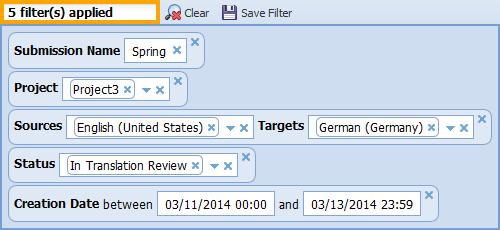
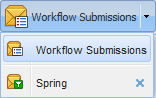
Filter
Description
Simple search
Enter the full or part of
the submission name in the  entry field.

Term
Use the following Term search type functions.

Refer to Searching for Terms and Attributes.
Status
Use the following Status search type functions. This is a multi-combo box, therefore you can select more than one status type.
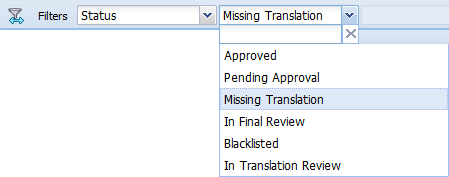
Refer to Understanding Term Status.
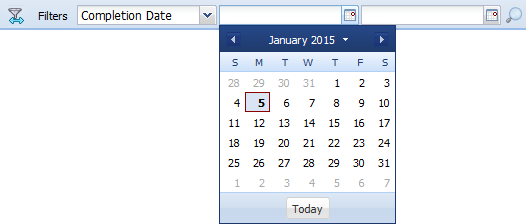
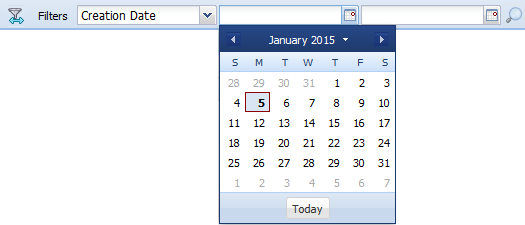
Creation Date
Click the calendar icon to select the submission creation date range.
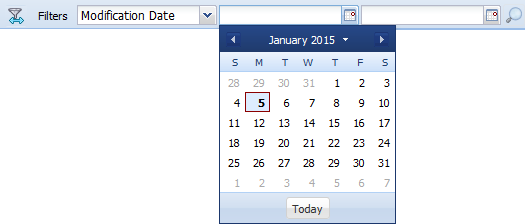
Modification Date
Click the calendar icon to select the submission modification date range.
Completion Date
Click the calendar icon to select the submission completion date range.